


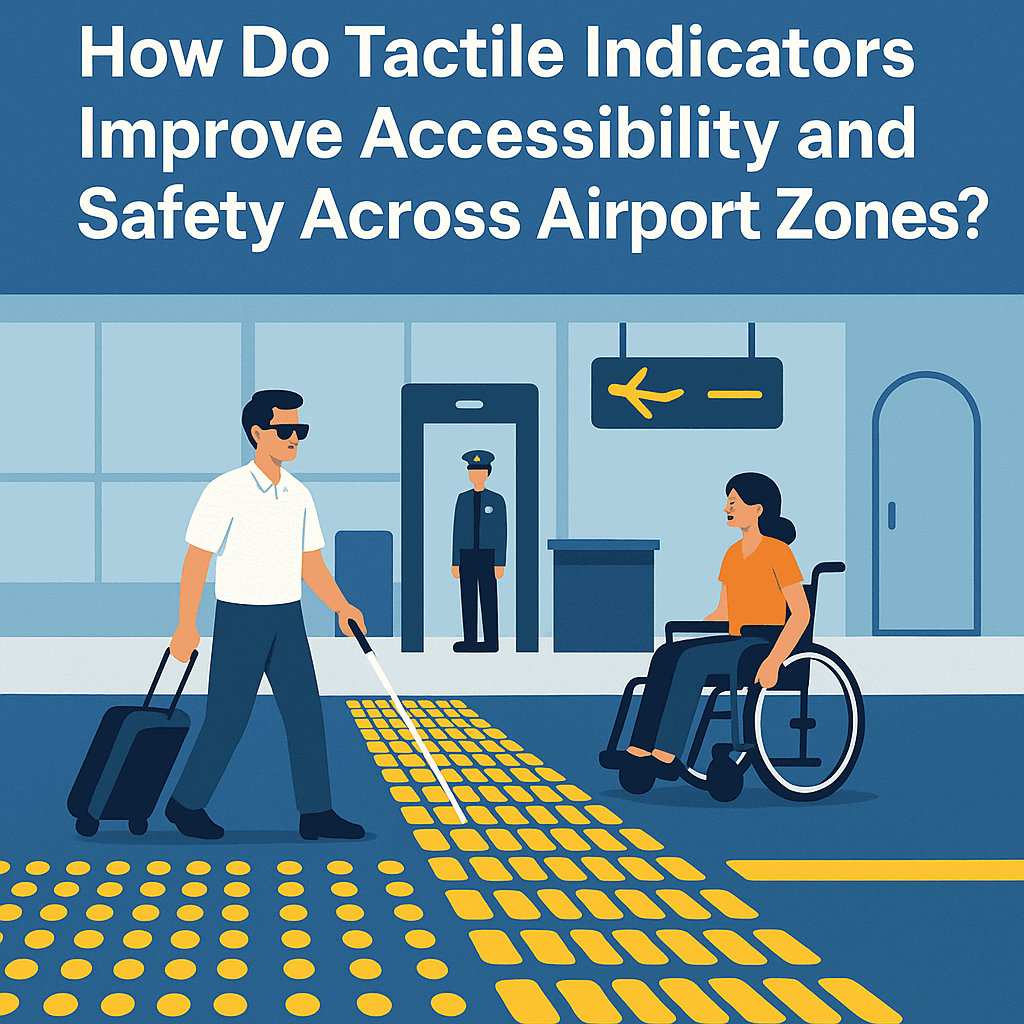
Airports are some of the busiest and most complex public spaces in the world. With constant movement across terminals, gates, and transport zones, they can be challenging to navigate, especially for those with vision impairments or mobility issues.
With thousands navigating daily, it’s vital that airports are safe and inclusive for all. One key feature that supports this goal is the use of tactile indicators, which help guide visually impaired travellers by providing physical cues to alert them of hazards and direct them safely through the space.
What Are Tactile Indicators?
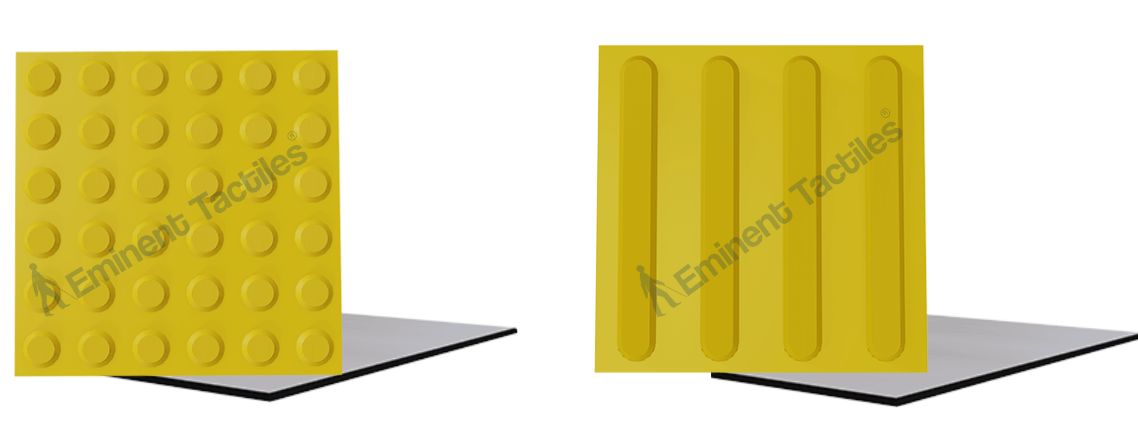
Tactile indicators, also known as Tactile Ground Surface Indicators (TGSI), are textured ground surface features designed to convey essential information to people with vision impairments. Installed on walking surfaces, they provide cues through touch underfoot or with a cane.
There are two main types:
- Tactile warning indicators – Alert users to hazards such as stairs, escalators, platform edges, or vehicle lanes.
- Directional tactile indicators – Guide users along a safe and accessible path, especially in large or unfamiliar environments like airports.
Key Airport Zones Where Tactile Indicators Are Installed
1. Terminal Entrances and Exits
Tactile ground surface indicators at entrances and exits help visually impaired travellers identify the beginning and end of the terminal space. This ensures safe navigation into and out of the building, especially in areas with heavy foot traffic.
2. Security Screening Areas
Security zones often have queues, conveyor belts, and restricted access points. Tactile warning strips signal when a person is approaching these zones, reducing the risk of accidentally entering restricted or dangerous areas.
3. Boarding Gates and Waiting Lounges
Directional tactile strips can guide users from check-in counters to boarding gates, and within seating areas, enabling more independent movement and reducing the need to rely on assistance.
4. Restrooms and Accessibility Facilities
Toilet blocks, parent rooms, and accessibility amenities are often located in specific sections. Tactile indicators lead travellers directly to these locations, which is especially helpful in busy environments where visual signage may be overlooked.
5. Baggage Claim and Carousels
Warning tactile tiles around baggage claim carousels alert travellers to the moving belts, ensuring they maintain a safe distance while waiting for luggage.
6. Transport Hubs and Drop-off Zones
Outside the terminal, bus bays, taxi ranks, and ride-share areas are often chaotic. Tactile indicators create safe paths and alert pedestrians to the edge of footpaths, parking areas, or roads.
Benefits of Tactile Indicators in Airports
Enhanced Accessibility for Vision-Impaired Travellers
The primary purpose of tactile indicators is to provide non-visual navigation aids. They empower individuals with vision loss to move confidently through the airport without constant assistance, promoting independent mobility.
Improved Safety for All Passengers
While designed for those with disabilities, tactile indicators also benefit elderly passengers, children, and even fully sighted people by drawing attention to areas that may pose a risk.
Compliance with Accessibility Standards
Installing tactile indicators ensures airports comply with local and international accessibility codes, such as:
- Americans with Disabilities Act (ADA) in the United States
- Australian Standards AS 1428.4 for tactile indicatorsEuropean Accessibility Act
- Harmonised Guidelines and Space Standards for Barrier Free Built Environment for Persons with Disabilities and Elderly Persons (2016) issued by the Ministry of Urban Development (MoUD), Government of India
Materials Used in Airport Tactile Indicators
Given the high foot traffic and need for durability, tactile indicators in airports are typically made from:
- Stainless steel tactile studs and strips
- Polyurethane (PU) tactile indicators – known for flexibility and comfort
- Ceramic and concrete tactile tiles
Best Practices for Installing Tactile Indicators in Airports
Follow national standards for spacing, layout, and colour contrast
Ensure installation aligns with local accessibility codes (such as the Harmonised Guidelines and Space Standards for Barrier Free Built Environment, 2016, by MoUD) to maintain consistent spacing, orientation, and visual contrast for safe, compliant navigation.
Use high-contrast colours to support low-vision users
Choose tactile indicators in colours that sharply contrast with surrounding flooring. This enhances visibility and ensures partially sighted travellers can detect changes more easily.
Install in continuous pathways to maintain logical guidance
Tactile paths should flow without interruption, guiding users seamlessly from one area to another—like check-in to boarding—ensuring reliable wayfinding throughout the terminal.
Ensure surfaces are non-slip and durable:
Materials must offer grip in all conditions—wet or dry—and withstand high foot traffic, luggage wheels, and cleaning equipment without losing function or surface integrity.
Conduct regular maintenance checks to keep them functional
Regularly inspect tactile tiles and studs for damage, lifting, or fading. Prompt repairs help maintain effectiveness and prevent safety risks for all travellers.
Choose materials like ceramic and concrete for high-wear areas
In high-traffic zones or exterior spaces, opt for ceramic or concrete tactile tiles. They offer strong durability, weather resistance, and slip protection over long periods.
Conclusion: Creating Inclusive Travel Environments
Tactile indicators are not just a compliance requirement—they are a vital component of universal design that transforms airports into inclusive, user-friendly environments for all. From guiding travellers to enhancing safety and independence, tactile indicators ensure that every passenger, regardless of ability, can navigate airport zones with confidence.